Most roofers need more calls. Steady leads are hard to come by, and plenty of companies were built knocking doors. But when a storm finally makes the phone ring, a second problem shows up: jobs get lost in the cracks between calls, callbacks and the schedule. You need to fix both.
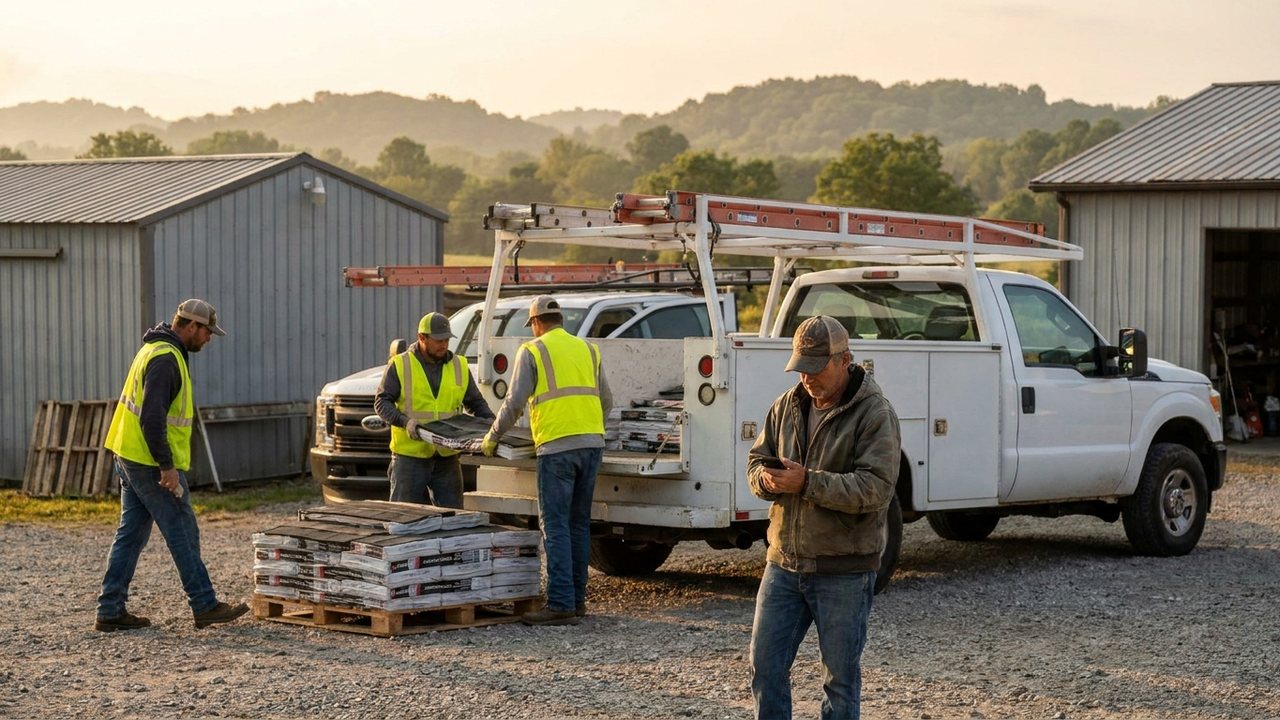
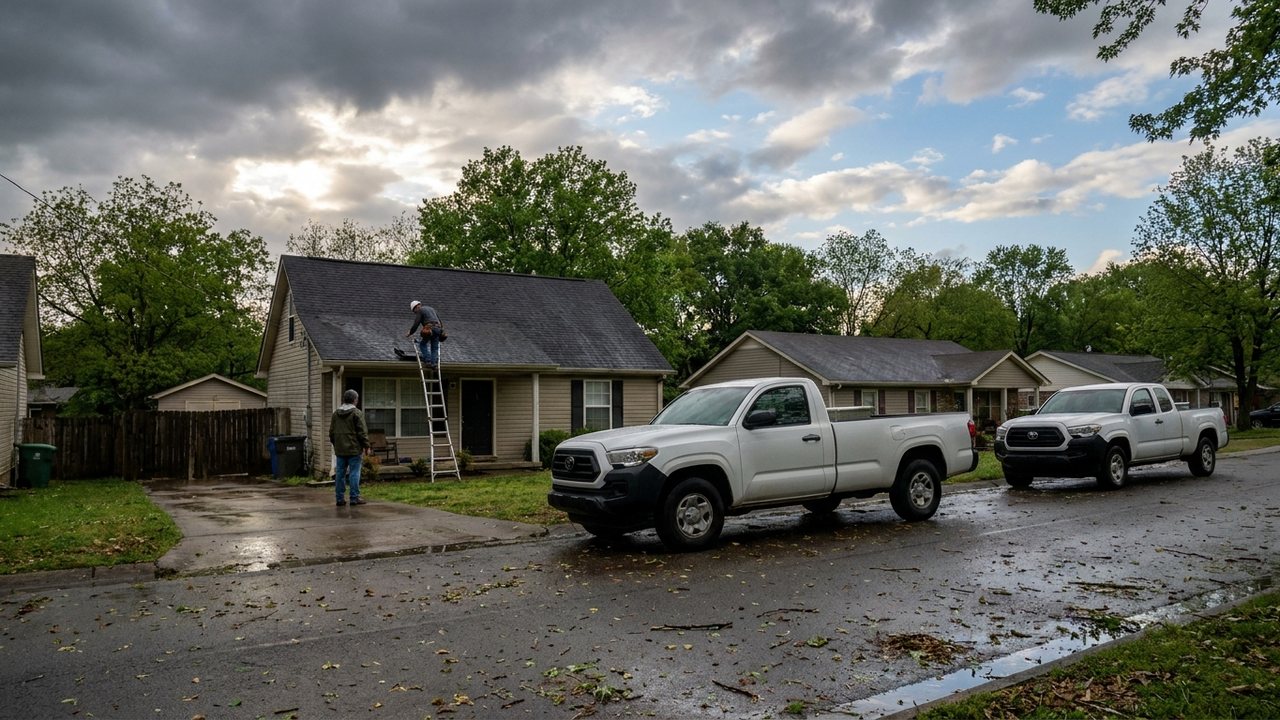
The morning after a storm, the phones light up. Homeowners want a roofer on site now. The office is already behind. Addresses get written on sticky notes. A rep takes a call on his cell phone and writes the address on a notepad in the truck. The office manager writes callbacks on a whiteboard. A homeowner who called three times over three days gets a call back on day four. She already hired the roofer who called back on day one. The roofer had demand. He lost the job in the cracks.
What are the cracks exactly?
The cracks are the small gaps between tools and handoffs.
- No single record. A lead lives in a CRM, a callback lives in a text thread, a schedule lives on a whiteboard and photos live in a camera roll. Nobody can see the whole job.
- Texts from personal phones. The company line is not used for jobs, so the office has no record of what was promised.
- No callback owner. A lead comes in, but nobody owns the callback. It sits in a spreadsheet until someone asks about it.
- Schedule on a whiteboard. The crew schedule is not synced to the sales calendar, so a rep schedules an inspection while two installs are already on the same street.
- Photos somewhere else. The adjuster needs photos from the inspection, but the rep took them on a personal phone and they are not attached to the job.
- The gap between Contract Won and Closed. A job is won, but the insurance claim, supplements, two-party insurance check, crew company schedule and final invoice all live in separate places. The job stalls because no one can see the next step.
Each crack is small. Together, they drop leads and lose jobs.
How do you stop dropping calls?
The fix is not more people or more hours. It is one connected record for every call, every text, every schedule change and every job.
Every call becomes a lead on one record. When a homeowner calls the office, the call comes in through the company system. The phone number is matched to the lead or job. A new lead is created with one click, not retyped. The call recording is pulled nightly, transcribed and attached to the job by phone number. The office can see what was said.
Texts come from the company line. Templated texts are scheduled from Apex. A storm response text goes out the same day. An inspection confirmation goes out before the rep arrives. A check pickup reminder goes out when the insurance check is ready. "Send to rep" texts get the details to the rep. The whole thread stays on the job record.
The calendar syncs both ways with Google Calendar. Multi-day jobs show as bars on week and month views. Reps see scheduled inspections next to installs. The office is not juggling a whiteboard and a rep's personal calendar.
Tasks have morning past-due reminders. Every task has an owner and a due date. The office manager sees past-due work first thing in the morning, not when a homeowner calls to complain.
Ginny answers the questions nobody has time to dig for. A rep or the owner can ask in plain English, like "Who has the most overdue tasks?" Ginny reads the record, answers, and says how she counted and how many records matched.
How do you get more calls in the first place?
Fixing the cracks only pays off if the phone rings. That part is Ginny's job. Homeowners now search Google and ask AI assistants like ChatGPT and Gemini which roofer to call, and the companies that show up get the calls.
A website that turns visits into requests. Every request lands as a lead on the same record your office works from.
Reviews after every job. Review requests go out when the job is done, so the next homeowner who searches sees your work.
Visibility in AI search. A weekly check shows how AI assistants answer the questions homeowners ask about roofers in your town, so you know whether you are the answer.
Content you approve once. Ginny drafts blog and social posts and newsletters; you approve them from one queue.
What a storm-ready checklist looks like
Run this checklist the morning after a storm.
- Confirm the company line is the only number used for calls and texts.
- Confirm every incoming call creates or links to a lead record.
- Send a templated storm response text to every new lead within 15 minutes.
- Assign a callback owner to every lead with no inspection scheduled.
- Sync the Google Calendar with all inspections and installs, including multi-day crew company jobs.
- Check that last night's call recordings landed on the right jobs.
- Check CompanyCam projects are linked to jobs and reps are auto-assigned.
- Open the Daily Check to confirm cash balances and QuickBooks still match to the penny.
- Ask Ginny: who has the most overdue tasks?
- Do a morning review of past-due tasks, then start calling.
With the system in place, that checklist is a short morning routine. Without it, you run the same checklist but the data is scattered, and it eats the day.
The roofer who wins gets the phone ringing and never drops a call.
Adjuster meetings, supplements and the gap to Closed
Storm jobs have extra moving parts. The adjuster meeting happens at the property. The rep takes photos. A supplement is filed. The insurance company issues a two-party check. The homeowner signs the check. The crew company schedules the install. The job is capped when it is paid and the work is done.
If those steps live in six different apps, the job stalls. The owner does not know if the supplement was filed or if the check is in the office. The office manager spends the afternoon calling the bank, the adjuster and the crew company.
When all of that lives on one job record, the next step is visible. The rep sees the adjuster meeting on the calendar. The photos attach to the job from CompanyCam, and the first photo date becomes the inspection date. The insurance claim stage is on the job. The two-party check is recorded with check number and type when it arrives. The crew company sees only its own jobs on the schedule. The office manager sees a clean handoff from Contract Won to install to invoice to Closed. Nothing gets dropped because nothing lives in a crack.
See it on a real roofing company
Apex is live in production at Centennial Roofing, where the whole operation runs on one record. See how the platform handles storm leads, job scheduling and the daily money check.
Book a demo and see the platform.