
Apex Runs a Real Roofing Company. Every Day.
Live in production at Centennial Roofing in Middle Tennessee.
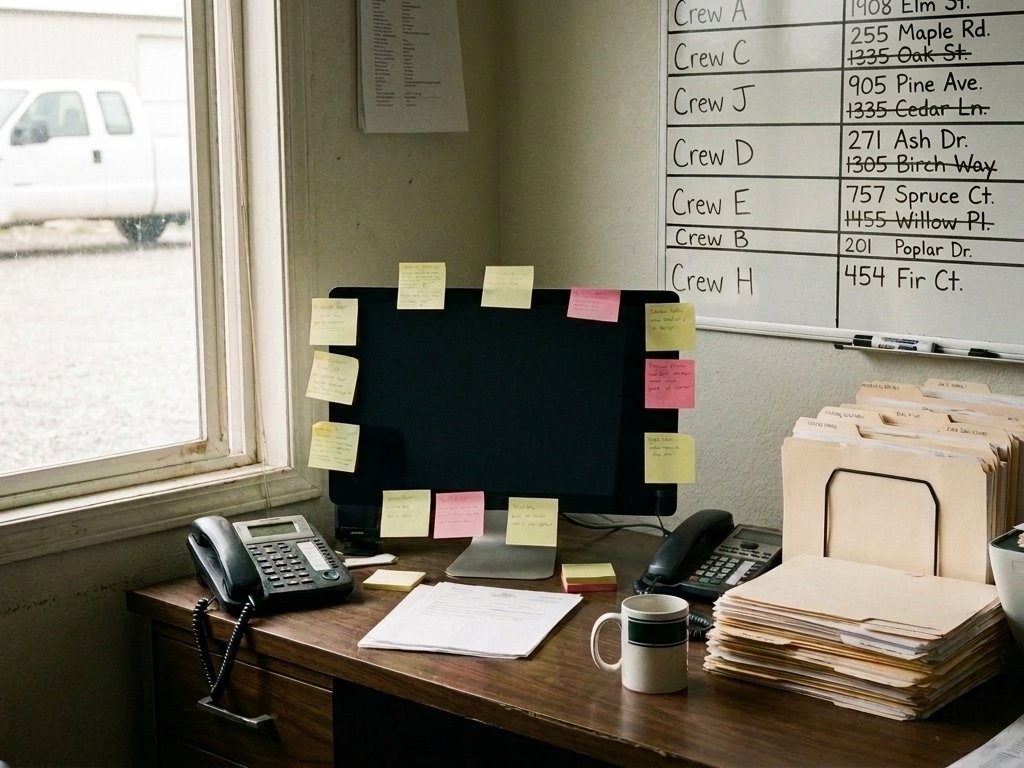
A Stack of Disconnected Tools
An established Middle Tennessee roofing company ran a stack of disconnected tools. Like most roofers, they ran on several apps that never shared one record, and an off-the-shelf CRM could not flex to how they work.
The BuildBuilt Around Centennial's Process
We built Apex around Centennial's process with the owners and office. Discover, Map, Build. Their history was imported. Their rules for lead fees, splits and capping were built in.
Live, Every Day
From Parallel Run to Fully Live
QuickBooks stayed the book of record during the transition.
-
1
Parallel Run
Apex checked itself against QuickBooks every day while QuickBooks stayed the book of record.
-
2
Go-Live, Oct 13, 2026
Team trained on site. Printed manual and cheat sheets by role.
-
3
Fully Live, Oct 25, 2026
Old CRM retired, texting on, every access level checked, logins to the whole team.
-
4
After Go-Live
Owner requests shipped in days, most the same day. Multi-day jobs show as bars on the calendar. Reps auto-assigned to their CompanyCam projects. Inspection date from the first photo.
What Runs on Apex Today
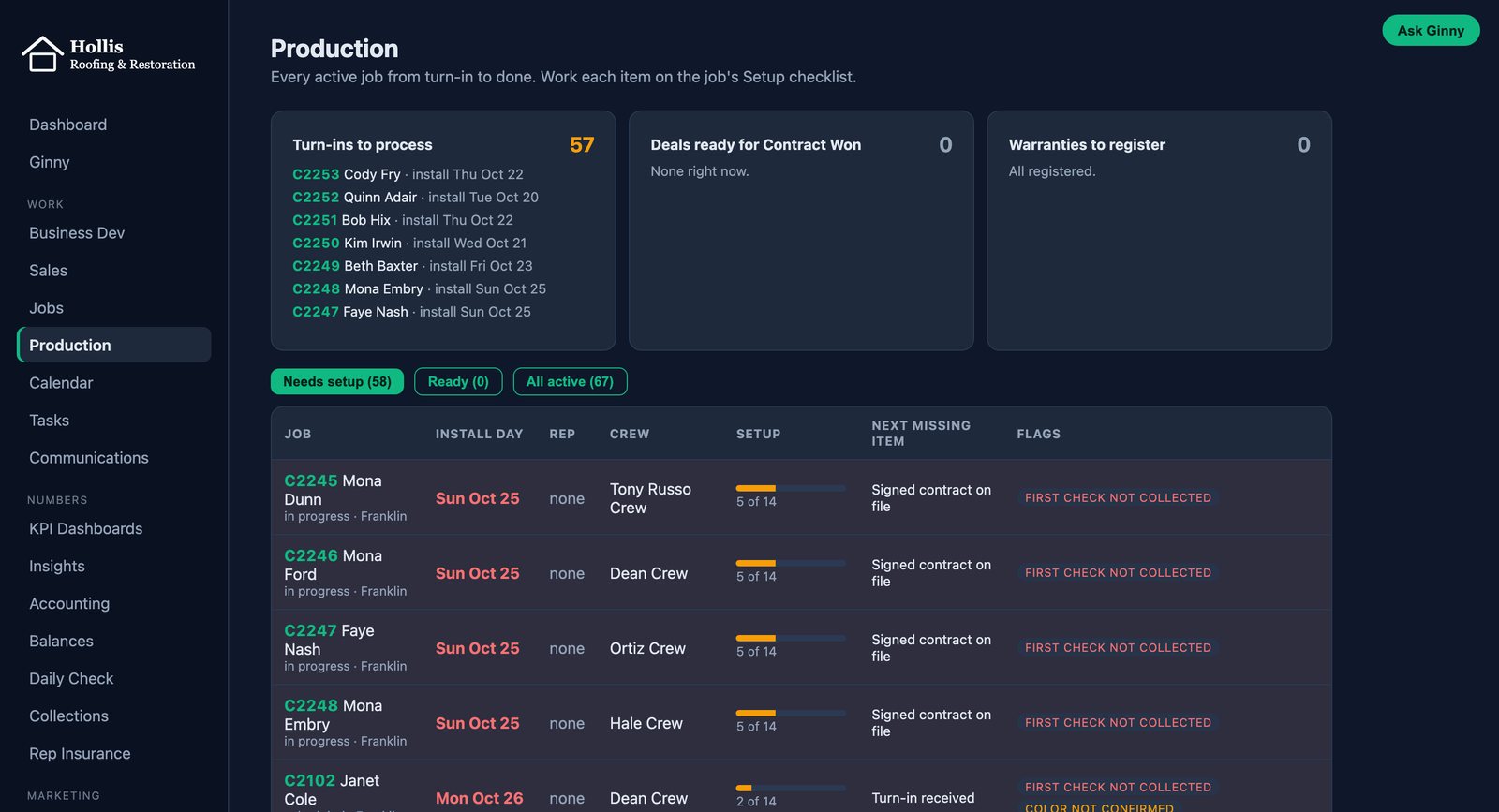
Sales pipeline
Lead to Contract Won or Contract Lost, with reasons.
Jobs and calendar
Job records, scheduling, and Google Calendar sync.
Texting and call recordings
Texts and call recordings on the job.
CompanyCam photos
Photos linked to every job, with reps auto-assigned.
Accounting and the Daily Check
Payments, deposits and a daily match to QuickBooks to the penny.
Commissions and owner capping
Lead fees, splits and owner approval to cap a job.
Owner dashboard
KPIs for the whole company, from project mix to conversion.
Ginny Ask Anything
Plain-English questions over company data, read-only.
Asked in the Morning, Live the Same Day
Go-live was the start, not the finish. In one meeting on October 29, the Centennial team asked for five changes. All five were live in the running system that day.
Inspection Date From Photos
The inspection date now fills in from the first job photo in CompanyCam, across the whole job history.
Multi-Day Jobs on the Calendar
Jobs that run several days show as one bar across the crew calendar, on desktop and phone.
Two-Person Lead Credit
When two people bring in a deal, both get credit by the company's own rule, automatically.
Job Changes Go to One Approver
Sales reps request changes to existing jobs, and Apex routes every request to the production manager.
Close a Job by Hand
Owners and production leads can close a finished job themselves.
Three-Way Money Check
The Daily Check compares Apex, QuickBooks and the office's own sheet, and names any line that differs.
Three Lessons From the Build
Adoption beats features.
So we train on site and keep a training queue.
Money must match.
Money must match the books to the penny or nobody trusts it.
Same-day changes win.
The fastest way to fix a gap is a same-day change in the live system.
Shared with Centennial Roofing's permission. We never publish a client's numbers.
What Can Ginny Do for You?
See Apex running a real roofing operation. We show you the live system and talk about how your company works.